PAPER ANIMATION / TEMPLATE LIBRARY

CHOOSE A PAPER MOTION

Six focused templates turn a photo, phrase, or pair of images into a short paper-led video. Each one has a clear input, a fixed timeline, and a studio link so you can move from idea to preview without hunting through a blank editor.

UPDATED AUG 15, 2026FIELD NOTES
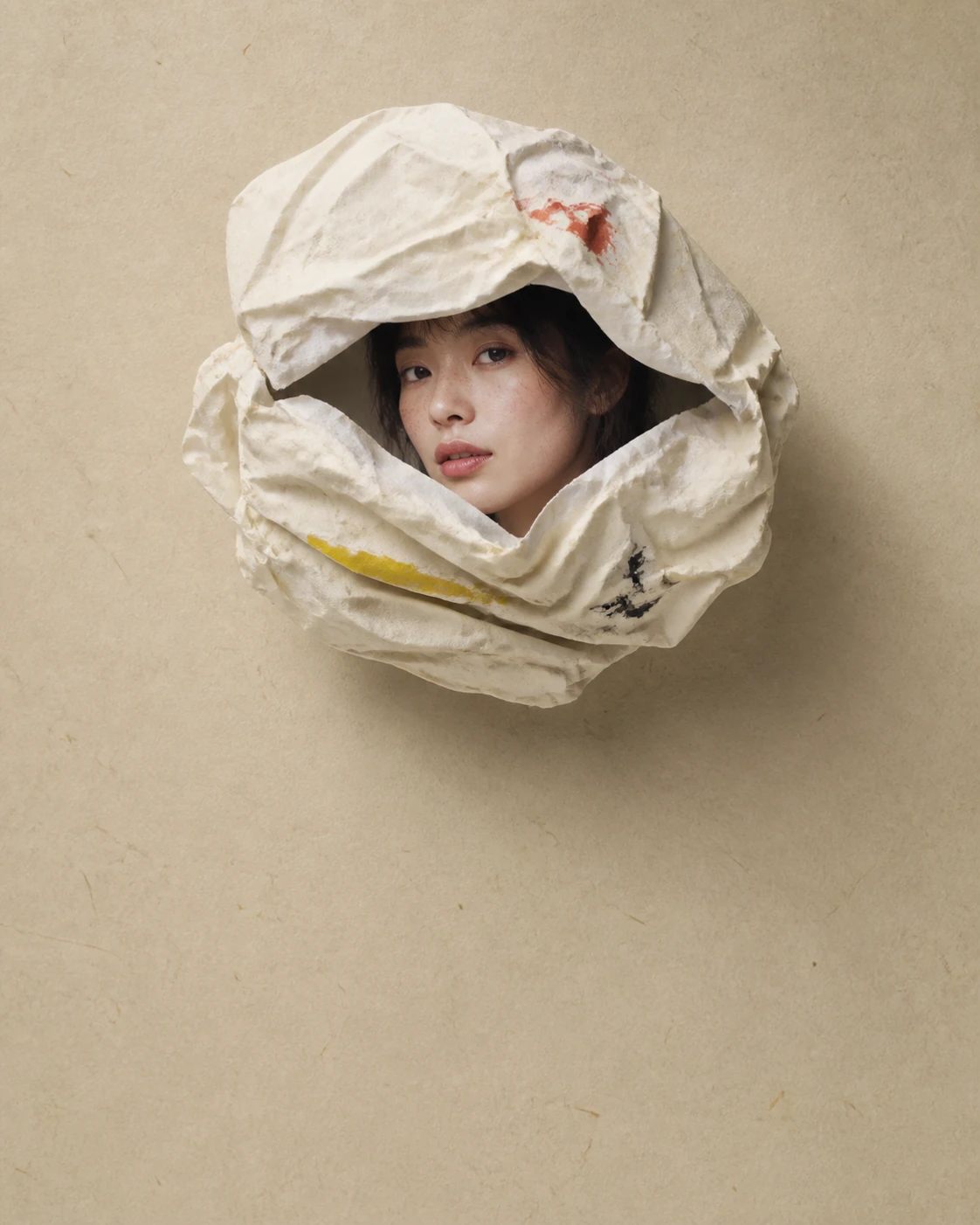
Photographed paper fold material used in a Paper Animation template
IMAGE / STUDIO PREVIEW01
01

START WITH THE SHOT

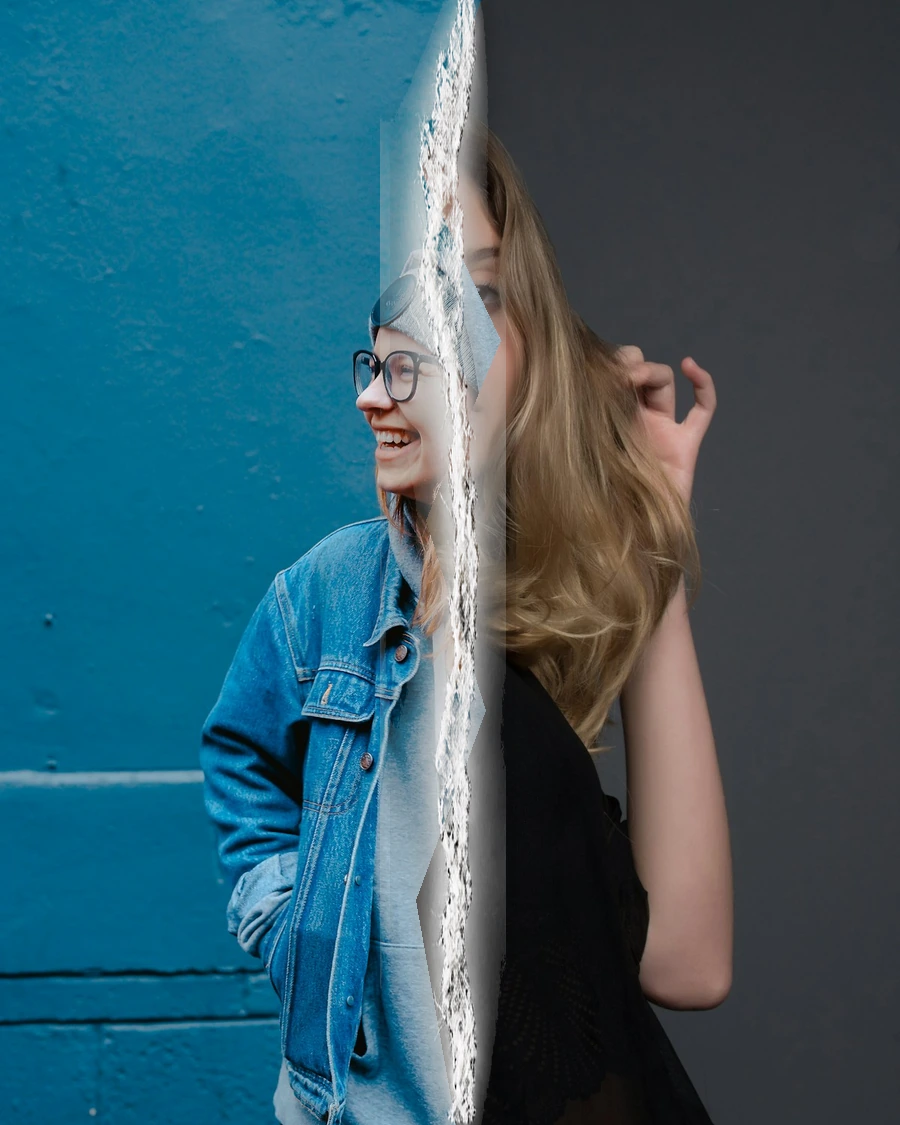
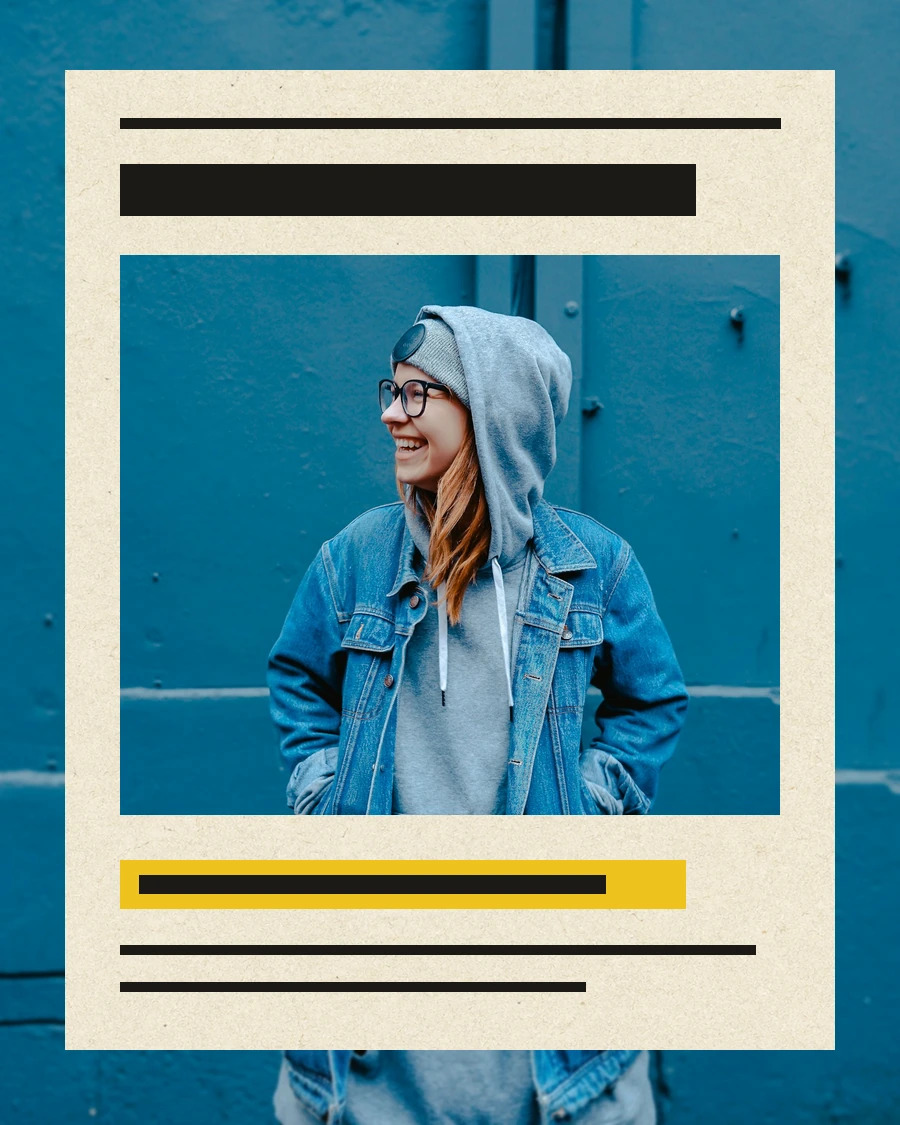
A template works best when its motion matches the job of the clip. Use Crush Reveal when the paper itself should become the reveal. Use Newspaper Highlight when one image needs a headline. Use Scrapbook Photo Stack for a small set of memories or product shots. Use Torn Paper Wipe when the edit has a clear before and after.

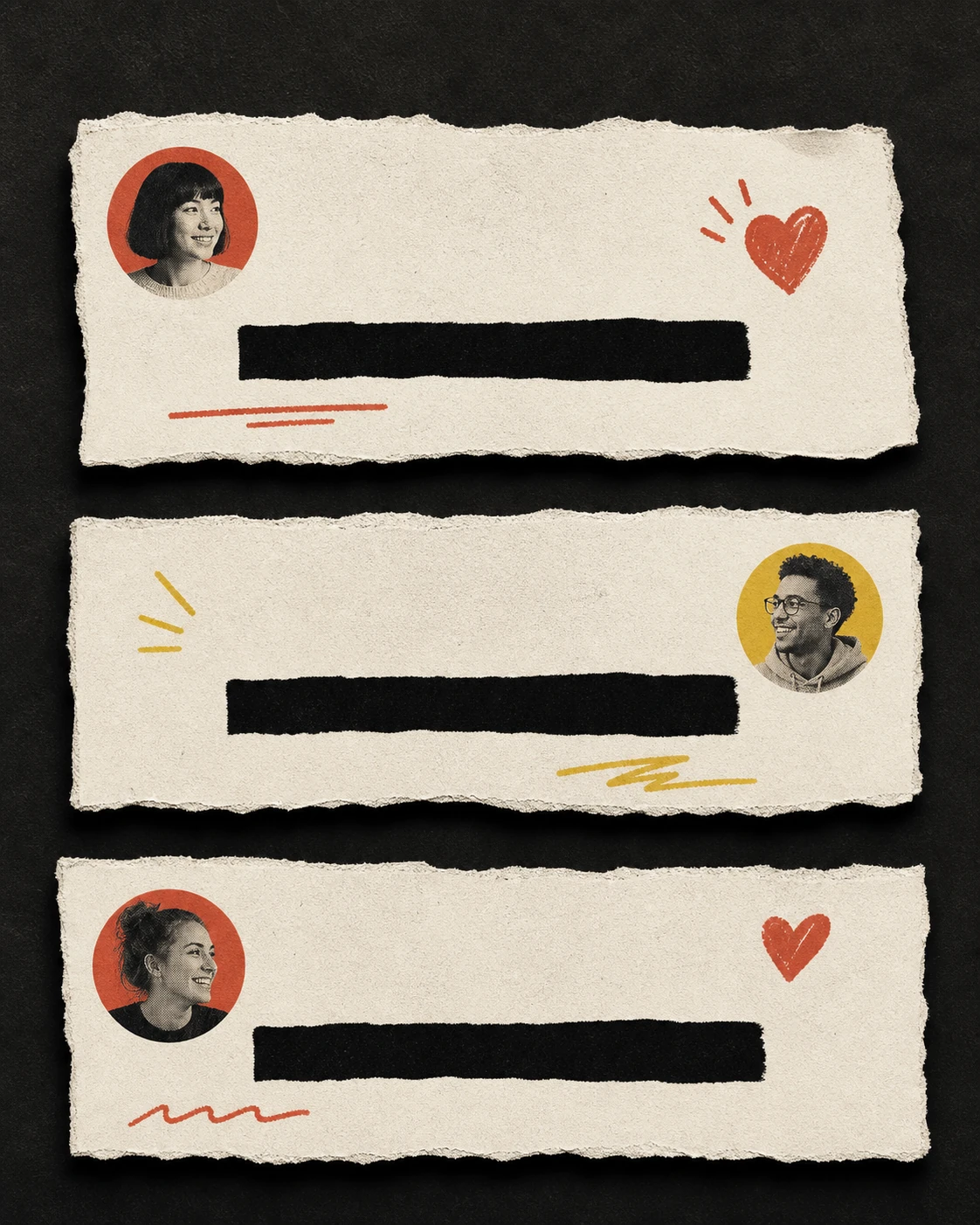
The older text-led studios remain available for phrases and comment-style cuts. Their text is rendered by the browser, while the paper surfaces and motion are controlled by the project timeline. That separation keeps words editable and keeps the generated material free from fake lettering.
02

THREE IMAGE-FIRST STUDIOS

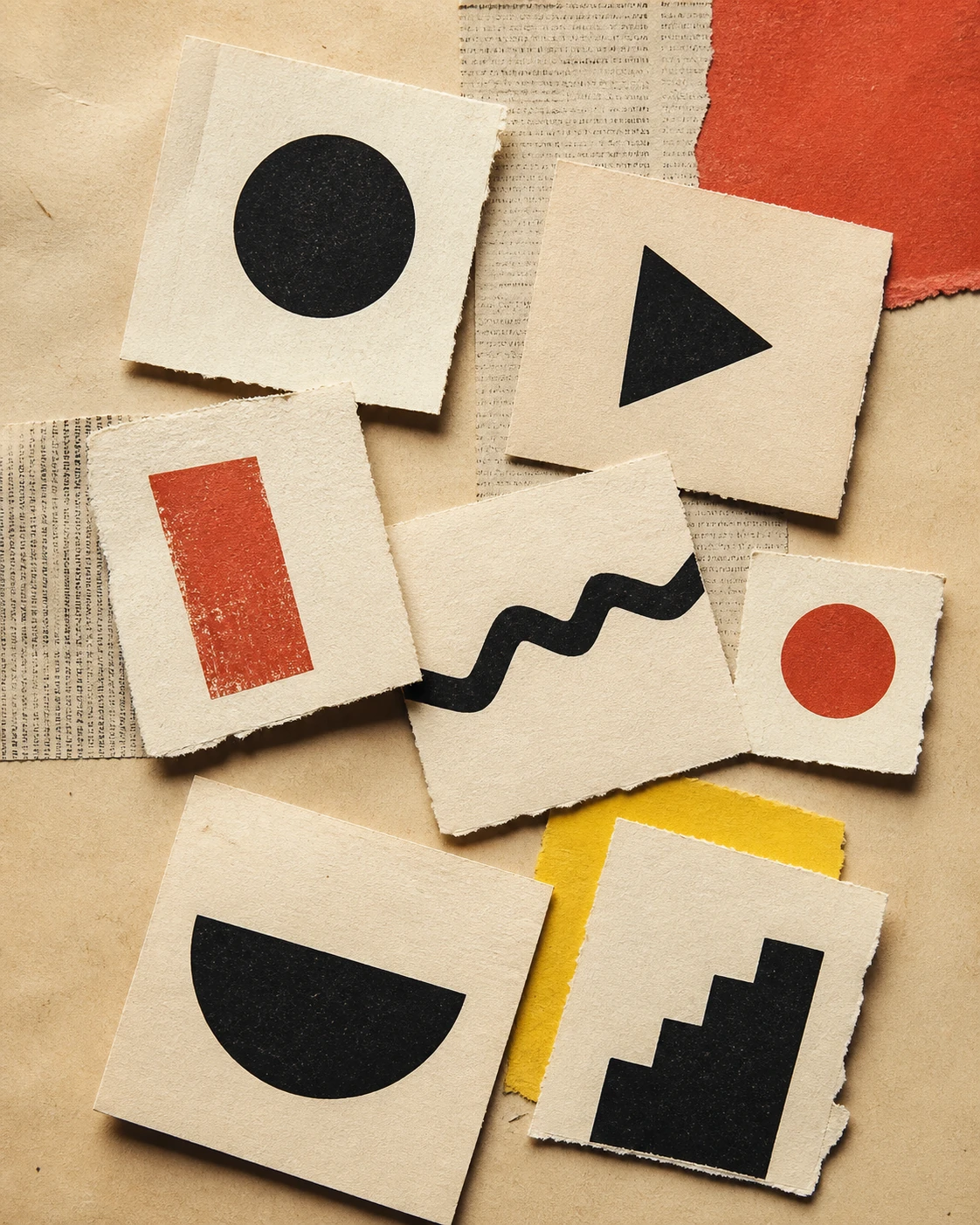
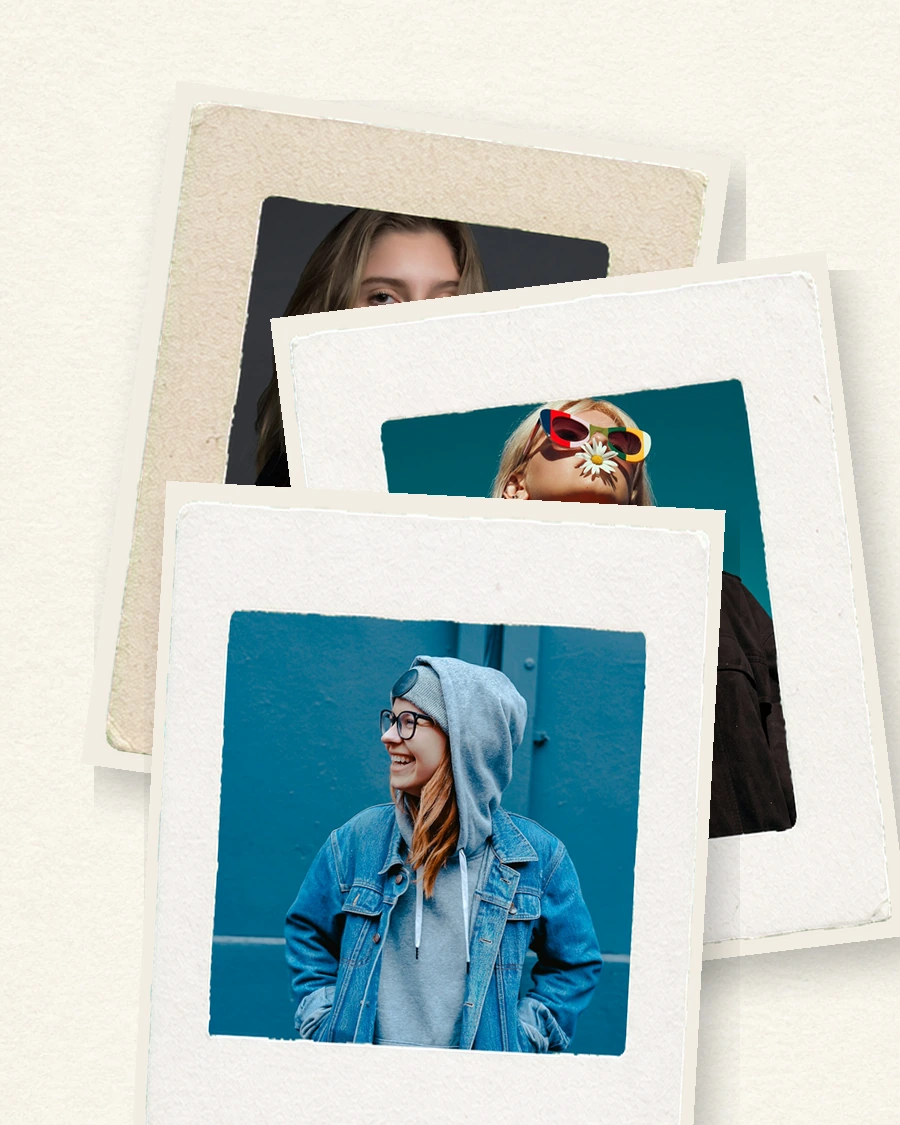
Newspaper Highlight, Scrapbook Photo Stack, and Torn Paper Wipe are the current image-first set. They use generated production materials for paper, tape, fibers, and ink, then apply deterministic motion in the browser and the export renderer. A repeated seed reproduces the same crop, timing, and arrangement.

The result is designed for a short social insert. Add platform audio, captions, voice-over, or a longer sequence in the editor you already use after exporting the clean MP4.

The same input can serve several versions of a post. Keep the image and change the template, or keep the template and change the pace. That makes the library useful during editing rather than only at the first moment of discovery.

03

PICK BY EDIT

For a hook, start with Newspaper Highlight or Crush Reveal. For a recap, choose Scrapbook Photo Stack and upload three to eight images. For a change moment, choose Torn Paper Wipe and upload Before and After frames. For a phrase-led title, open Magazine Letters. For a comment reply or text-led beat, open Text Match Cut.

Every studio keeps its controls close to the visual result: upload, adjust the essential choices, preview, and export. The template pages explain the limits and the intended use before you open the editor.

The descriptions also state the input contract. That small detail saves time: a two-image transition should open with two prepared frames, while a scrapbook sequence should begin with an ordered group of photos. Clear inputs produce cleaner experiments.

  • Portrait output: 1080 x 1920, ready for TikTok, Reels, and Shorts.
  • Common image inputs: JPG, PNG, WebP, and AVIF.
  • Programmatic text: typed in the studio so it stays readable and editable.
  • Stable rendering: the same project data drives preview and export.

THE LIBRARY