Crush Reveal
Unfold a full-frame uploaded image from a photographed paper form.
PAPER ANIMATION MAKER / VIDEO TOOL
Create realistic paper fold, newspaper, scrapbook, and torn-paper video effects from your own images. Preview the motion in your browser, then export a short MP4 for TikTok, Reels, or Shorts.
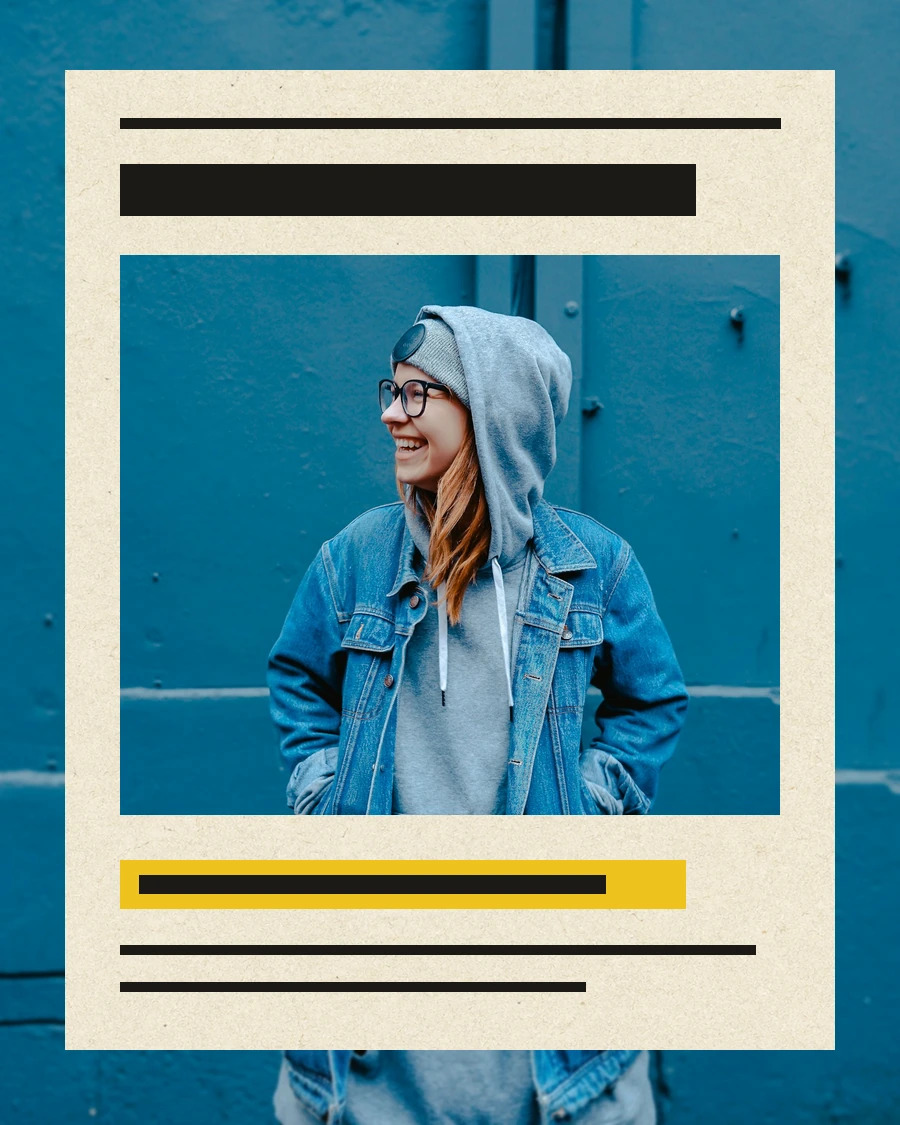
Paper Animation is an online paper animation maker for creators who want a physical transition, a tactile title, or a clear visual hook. Upload your own image, phrase, or before-and-after pair and choose a focused motion template.
The paper surfaces combine photographed source plates and documented production composites with deterministic browser animation. Your typed headlines and phrases stay editable, while folds, ink, tape, fibers, shadows, and torn edges supply the physical cues that make a short video easier to read.
Choose the effect by the job in the edit. A hook needs an early visual change, a recap needs a readable sequence, and a before-and-after needs two complete frames with a clear boundary. The template library keeps those decisions visible before you enter a Studio.
Review the result on the phone where the post will be watched. Small type, paper fibers and a final hold all behave differently at arm's length than they do in a wide desktop preview. A quick local export and private mobile upload catch crop, contrast and interface collisions before the clip becomes part of a public edit.
Unfold a full-frame uploaded image from a photographed paper form.
Turn one photo and one headline into a compact editorial opening.
Arrange three to eight photos into a paced paper recap.
Reveal an After frame through a physical torn-paper edge.
Build a kinetic title from separate paper cutout letters.
Keep a phrase aligned while a social-comment sequence changes around it.
The fastest way to get a useful result is to choose the template by input. One image, several images, a phrase, and a before-and-after pair each need a different kind of movement.
Crush Reveal turns one uploaded image into the final paper surface. Newspaper Highlight adds an editable headline and highlight phrase when the opening beat needs context.
02 / THREE TO EIGHT IMAGESBuild a paced recapScrapbook Photo Stack arranges a small ordered set of photos with paper frames, tape, focus controls, and a clean final image that can fill the screen.
03 / TWO COMPLETE FRAMESMake the change visibleTorn Paper Wipe reveals an After image through a matched irregular edge. It fits outfit changes, product updates, retouches, and before-and-after edits.
Use a paper fold effect to open a portrait or product shot. Use a newspaper highlight to land a fact, opinion, or launch line. Use a scrapbook animation for travel recaps, photo dumps, product stacks, and milestone edits. Use a torn paper transition for before-and-after reveals, outfit changes, retouches, and location swaps.
All image-first studios are designed around a short social insert. Add the platform sound, captions, voice-over, and longer sequence in the editor you already use.
A convincing paper animation needs more than a texture placed over a moving rectangle. Paper Animation combines photographed material, visible fibers, contact shadows, uneven edges, occlusion, and small timing changes so the image appears to move with the sheet instead of sliding behind it.
Text stays programmatic and editable. Headlines, phrases, and highlights are rendered from the user's input, while paper grain, ink variation, tape, folds, and torn fibers provide the material layer. The same project data drives the browser preview and the export composition, which keeps the final frame aligned with what was reviewed.
That separation also makes the workflow easier to revise. Change the crop, phrase, pace, or paper treatment without regenerating the source image, then compare the new export with the approved frame. A useful paper animation should be repeatable enough for a series of posts, not only convincing once in a poster.
The default portrait canvas is 1080 by 1920 with 30 FPS and H.264 MP4 output. Keep important faces, products, and words near the center safe area so platform controls and captions do not cover the subject. Test the first frame, the transition edge, and the final hold before publishing.